🔥 Introduction
Building a website in 2026 is easier than ever…
But also confusing 😅
Because there are:
- Too many tools
- Too many technologies
- Too many tutorials
So beginners often get stuck:
👉 “Where should I start?”
The truth is:
👉 You don’t need to learn everything
👉 You just need the right steps
In this guide, I’ll show you:
- How to build a website from scratch
- What tools to use
- Step-by-step process (beginner-friendly)
🚀 Step 1: Understand How a Website Works
Before building anything…
👉 You should understand the basics
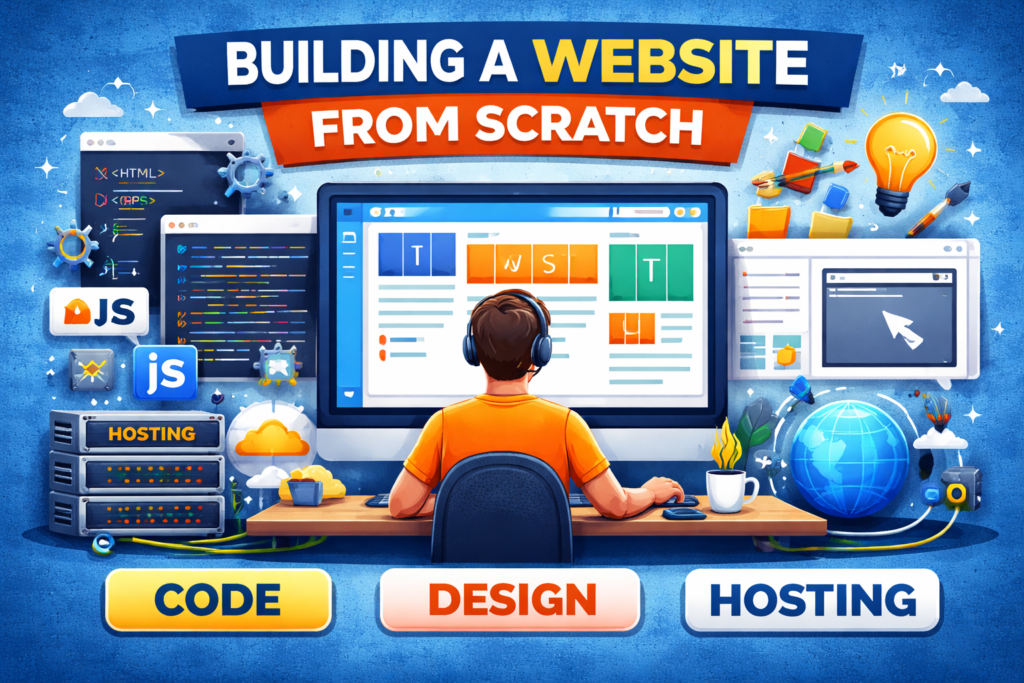
A website has 3 main parts:
1. Frontend (What users see)
- Design
- Layout
- Buttons
2. Backend (Behind the scenes)
- Server
- Database
- Logic
3. Hosting (Where your site lives)
- Server where your website is stored
👉 This basic understanding helps you build better websites
🚀 Step 2: Choose the Right Method
In 2026, you have 3 main options:
🔹 Option 1: No-Code (Beginner Friendly)
- WordPress
- Website builders
👉 Best for:
- Business websites
- Beginners
🔹 Option 2: Low-Code
- WordPress + customization
- Webflow
🔹 Option 3: Full Coding (Best for Developers)
- HTML, CSS, JavaScript
- Frameworks like React
👉 Choose based on your goal (don’t overcomplicate)
🚀 Step 3: Learn Basic Technologies
If you want to build from scratch…
👉 Start with these:
✅ HTML (Structure)
Like the skeleton of your website
✅ CSS (Design)
Makes your website look good
✅ JavaScript (Functionality)
Adds interactivity
👉 These are the foundation of web development
🚀 Step 4: Plan Your Website (Very Important)
Before coding…
👉 Plan everything
Ask:
- What is the goal of the website?
- Who is the target audience?
- What pages do I need?
Example pages:
- Home
- About
- Services
- Contact
👉 Planning saves time and avoids mistakes
🚀 Step 5: Design Your Website
Good design = better user experience
Focus on:
- Clean layout
- Easy navigation
- Mobile-friendly design
👉 More than 60% of users visit websites on mobile
🚀 Step 6: Start Building (Frontend)
Now comes the real work 👇
Create:
- Header
- Sections
- Footer
Use:
- Flexbox / Grid
- Responsive design
👉 Make sure your site works on all devices
🚀 Step 7: Add Functionality
Now make your site interactive
Example:
- Contact forms
- Buttons
- Sliders
👉 This is where JavaScript comes in
🚀 Step 8: Use Modern Tools (2026 Trend)
Web development is changing fast…
👉 AI tools are now part of development
You can use:
- AI code assistants
- Auto code generation
- Debugging tools
👉 AI helps developers build faster and smarter
🚀 Step 9: Choose Hosting & Domain
To make your site live…
👉 You need:
Domain:
👉 yourwebsite.com
Hosting:
👉 Server to store your website
Popular options:
- Shared hosting
- Cloud hosting
👉 Choose fast and reliable hosting
🚀 Step 10: Optimize for Speed & SEO
Building is not enough…
👉 You must optimize
Improve:
- Page speed
- Image size
- SEO structure
👉 70% users leave slow websites
🚀 Step 11: Test Your Website
Before launching…
👉 Check everything
Test:
- Mobile view
- Speed
- Links
- Forms
👉 Fix errors before going live
🚀 Step 12: Launch & Maintain
Now your website is live 🎉
But don’t stop here:
👉 Maintain your website:
- Update content
- Fix bugs
- Improve performance
👉 Websites need regular updates
🔥 Modern Web Development Trends (2026)
To stay ahead…
👉 Follow these trends:
- AI-powered websites
- Progressive Web Apps (PWAs)
- Serverless architecture
- Mobile-first design
👉 These trends are shaping the future of web development
🧠 Real Insight (From Developers)
“Don’t try to learn everything — focus on basics and build projects”
👉 This is what most developers recommend in real discussions
❌ Common Mistakes to Avoid
- Learning too many tools
- Not building projects
- Ignoring mobile users
- Skipping planning
- Copy-pasting code
📈 Final Thoughts
Building a website is not difficult…
👉 It just needs the right steps
If you follow this guide:
- You can build your own website
- Start freelancing
- Create projects
💡 Final Tip:
👉 Start small → Build → Improve
Frequently Asked Questions
1. Can I build a website without coding?
Yes, you can use tools like WordPress or website builders to create a website without coding.
2. How long does it take to build a website?
It depends on complexity. A simple website can take a few days, while advanced websites may take weeks.
3. Which language is best for web development?
HTML, CSS, and JavaScript are the most important languages for web development.
4. Is web development still in demand in 2026?
Yes, web development is still in high demand as businesses continue to move online.
5. Can beginners learn web development?
Yes, web development is beginner-friendly if you follow a proper roadmap and practice regularly.